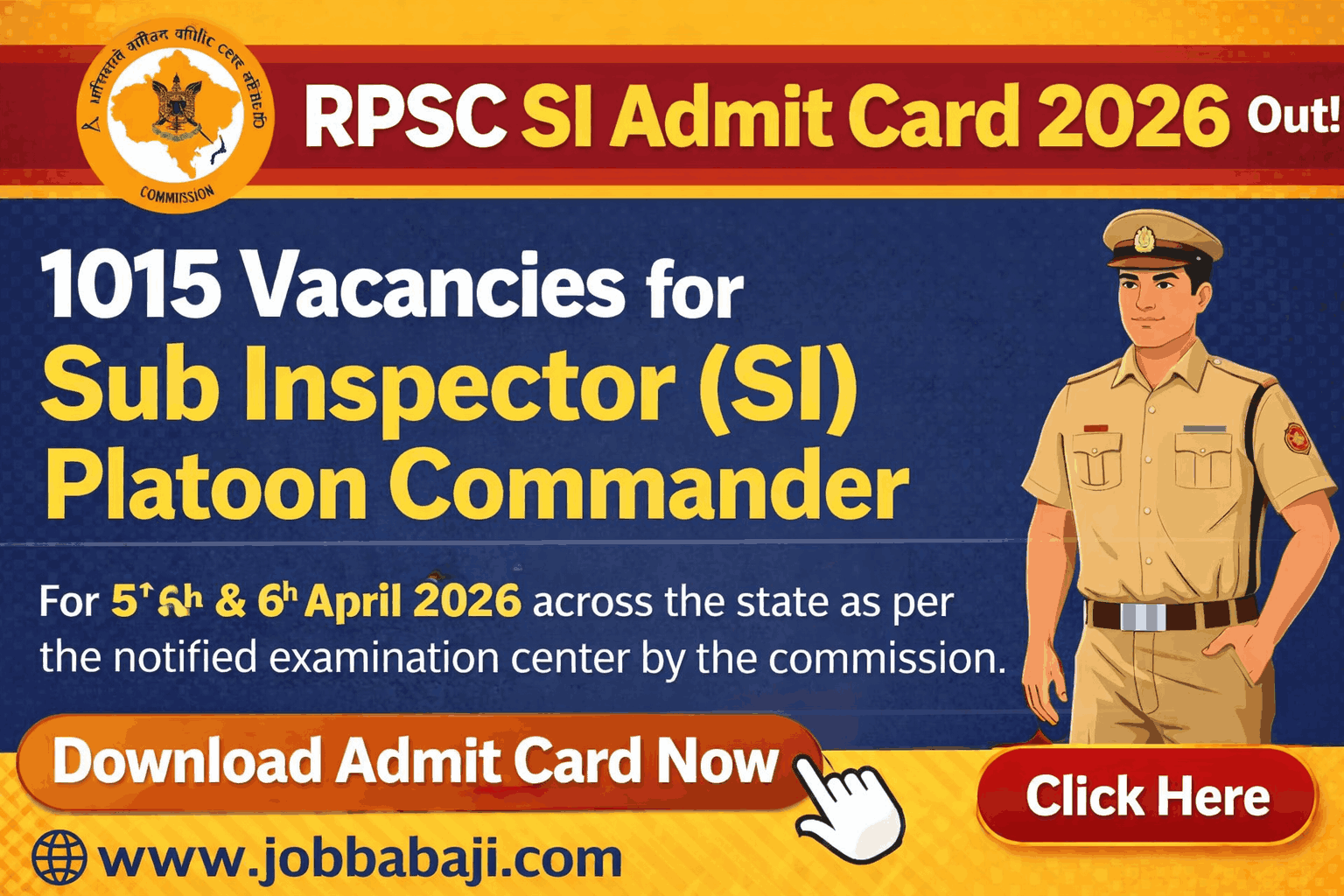
RPSC Sub Inspector Admit Card 2026 Download Link Active Admit Card Schedule | www.JobBabaJi.com

VIEW JOB DETAILS

RPSC Sub Inspector Admit Card 2026 Download Link Active Admit Card Schedule

Post Updated On : April 2, 2026 | 02:13 PM
Application Start Date : August 13, 2025⚠️ Apply Online Last Date : August 13, 2025

Short Information

Short Information : Rajasthan Public Service Commission (RPSC) | Rajasthan Public Service Commission (RPSC) has issued online admit card and exam city for selection to the post of Sub Inspector (SI) Platoon Commander for 1015 vacancies under Home Department. The written examination shall be held on 05th and 06th April 2026 across the state as per the notified examination center by the commission. The eligible candidates can download their admit card online at RPSC official portal rpsc.rajasthan.gov.in from 02nd April 2026 onwards for Sub Inspector (SI)/ Platoon Commander Combined Competitive Examination 2025.

Rajasthan Public Service Commission (RPSC)

Rajasthan Public Service Commission (RPSC)

Advt No. : 05 / 2025-26 | Short Details

WWW.JOBBABAJI.COM

Important Deails

Application Fee

  • Exam Date : 05 and 06 April 2026
  • Admit Card Available : 02/04/2026
  • View Notification

RPSC SI Admit Card 2026 Download Notice

  • Candidates are advised to log in to the SSO Portal starting from 29th March 2026 to obtain information regarding the examination district allotted to them for Sub Inspector/ Platoon Commander Combined Competitive Examination 2025.. The admit cards for the aforementioned examination will be uploaded to the Commission's website and the SSO Portal on 02nd April 2026. Therefore, candidates are requested to download their admit cards as soon as possible within the stipulated timeframe.
  • Applicants can download their admit card by opening the Admit Card link available on the Commission's official portal https://rpsc.rajasthan.gov.in with the application number and date of birth. Applicants can also download the admit card for the respective exam by logging on to https://sso.rajasthan.gov.in and selecting the Recruitment portal link available in Citizen Apps (G2C). 

RPSC SI Exam Syllabus and Test Pattern 2026

Subject

Duration Maximum Marks
General Hindi 02 Hours 200
General Knowledge & General Science 02 Hours 200
Candidates who obtain 36 percent of marks in each paper and 40 percent in the aggregate shall be deemed to have passed the qualifying examination conducted by the Commission or the Recruitment Board as the case may be. The Commission shall send the list of such successful candidates up to 20 times the number of vacancies on the basis of merit based on the aggregate marks obtained in the written examination.

How To Download RPSC SI Admit Card 2026 (RPSC SI एडमिट कार्ड 2026 कैसे डाउनलोड करें)

  • To visit Rajasthan Public Service Commission official website i.e. https://rpsc.rajasthan.gov.in (सबसे पहले राजस्थान लोक सेवा आयोग की आधिकारिक वेबसाइट https://rpsc.rajasthan.gov.in पर जाएं)।
  • In the middle of home page under News and Events section click on the moving link as "Download Admit Card For Sub Inspector (SI)/ Platoon Commander Exam 2025" (होम पेज के बीच में News and Events सेक्शन के अंतर्गत "Download Admit Card For Sub Inspector (SI)/ Platoon Commander Exam 2025" लिंक पर क्लिक करें)।
  • You will be redirected to admit card download page of SI Recruitment Examination 2026 (आप SI भर्ती परीक्षा 2026 के एडमिट कार्ड डाउनलोड पेज पर रीडायरेक्ट हो जाएंगे)।
  • In the admit card page under Admit Card Download section enter your Application Id and Date of Birth correctly (एडमिट कार्ड पेज पर Admit Card Download सेक्शन में अपना Application Id और Date of Birth सही-सही दर्ज करें)।
  • Next fill Captcha Code as shown in that page correctly to proceed for further step (इसके बाद दिए गए Captcha Code को सही भरें ताकि आप आगे बढ़ सकें)।
  • Finally click on Submit button to download your admit card from RPSC server (अंत में Submit बटन पर क्लिक करें और RPSC सर्वर से अपना एडमिट कार्ड डाउनलोड करें)।

Enrolled Candidates can Download Admit Card & View Examination Details.

🔗 Quick & Direct Links: Apply Online, Download & Official Notification

Download Admit Card

Download Exam City Slip

Download Notification

Crop & Resize Image  |  Birth Day Calculator  |  Image to PDF  |  Add Photo, Name & DOB

Join Our Official Channel to Get Instant Job Alerts

Official Website

For any Query and Feedback Contact us - jobbabajee@gmail.com

RPSC SI Admit Card 2026 Job Banner

RPSC Sub Inspector Admit Card 2026 Download Link Active Admit Card Schedule


Please Disable Ad Blocker

Your ad blocker is enabled. Please disable it to continue.

हम अपनी वेबसाइट को आपके लिए मुफ्त रखने के लिए विज्ञापनों पर निर्भर हैं।

×

Which of these extensions do you have?

Browser image for the AdBlock extension
  1. Click the AdBlock icon AdBlock image in the browser extension area on the upper right-hand corner. (You may see a small number covering part of the icon.)
  2. Select Don't run on pages on this site.
  3. In the "Don’t run AdBlock on..." dialog box, select Exclude. The AdBlock icon changes to a 👍 (thumbs up) image.
Browser image for the AdBlock Plus extension
  1. Click the Adblock Plus icon AdBlock Plus image in the browser extension area on the upper right-hand corner. (You may see a small number covering part of the icon.)
  2. Click the “power” button so that it slides left.
  3. Click the Refresh Page button.
Browser image for the uBlock Origin extension
  1. Click the uBlock Origin icon uBlock Origin image in the browser extension area on the upper right-hand corner. (You may see a small number covering part of the icon.)
  2. Click the “power” button . It turns gray, indicating that ads on that site are no longer being blocked.
  3. Click the Refresh Page button.
  1. Click the icon of the ad blocker extension installed on your browser.
    You’ll usually find this icon in the upper right-hand corner of your screen. You may have more than one ad blocker installed.
  2. Follow the instructions for disabling the ad blocker on the site you’re viewing.
    You may have to select a menu option or click a button.
  3. Refresh the page, either by following prompts or clicking your browser’s “refresh” or “reload” button.