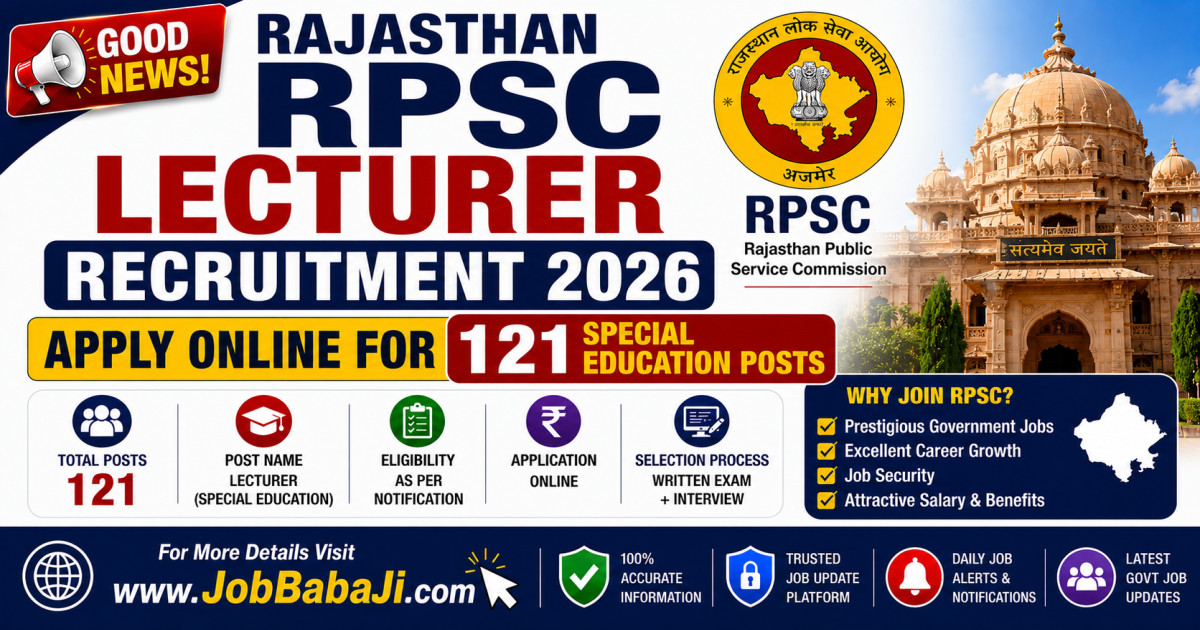
Rajasthan RPSC Lecturer Recruitment 2026: Apply Online for 121 Special Education Posts | www.JobBabaJi.com

VIEW JOB DETAILS

Rajasthan RPSC Lecturer Recruitment 2026: Apply Online for 121 Special Education Posts

Post Updated On : June 2, 2026 | 03:27:24 PM
Application Start Date : June 1, 2026⚠️ Apply Online Last Date : June 30, 2026

Short Information

Short Information : Rajasthan Public Service Commission (RPSC) | Rajasthan Public Service Commission (RPSC), Ajmer, has officially released a detailed notification (Advt No. 01/Exam/Lect.-Special Edu./RPSC/EP-1/2026-27) for the recruitment of Lecturer - Special Education under the Secondary Education Department.This recruitment drive aims to fill a total of 121 permanent vacancies across various subjects. If you hold a postgraduate degree along with a specialization in Special Education, this is your golden opportunity to secure a government job in Rajasthan.

Rajasthan Public Service Commission (RPSC)

RPSC School Lecturer Special Education Recruitment 2026

Advt No. : 01/Exam Lect.-Special Edu./ RPSC/EP-1/2026-27 | Short Details

WWW.JOBBABAJI.COM

Important Deails

Application Fee

  • Online Application Form Start Date : 01/06/2026
  • Registration(Apply Online) Last Date : 30/06/2026
  • Last Date for Fee Payment : 30/06/2026
  • Exam Date : 06/12/2026
  • Admit Card Release Date : Notified soon
  • General / Other State : 600/-
  • OBC / BC / SC / ST / PH : 400/-
  • All Category Female : 400/-

Payment Mode

  • Pay the Examination Fee Through Debit Card, Credit Card, Net Banking or Pay Offline Through E Challan

RPSC School Lecturer Special Education Notification 2026Age Limit as on 01/01/2027

  • Minimum Age : 21 Years.
  • Maximum Age : 40 Years.
  • Age Relaxation Extra as per RPSC School Lecturer Special Education Recruitment 2025.

Rajasthan School Lecturer Special Education Recruitment 2026Vacancy Details Total : 121 Post

Post Name Total Post RPSC School Lecturer Special Eligibility
SCHOOL LECTURER (SPECIAL EDUCATION) – 2026 121
  • Master Degree with Hindi/English/History/Political Science/Sociology/Music Passed from Any Recognized University in India.
  • B.ED. (Special Education) or B.ED. with two years Diploma in Special Education Recognized by the Rehabilitation Council of India (RCI).
  • Working knowledge of Hindi written in Devnagari Script and knowledge of Rajasthani culture.
  • More Details & Subject Wise Eligibility Read the Full Notification

How to Apply Online for RPSC Lecturer Vacancy 2026?
(RPSC लेक्चरर भर्ती 2026 के लिए ऑनलाइन आवेदन कैसे करें?)

  • Follow these step-by-step instructions to fill out your form seamlessly. (अपना आवेदन फॉर्म आसानी से भरने के लिए नीचे दिए गए चरणों का पालन करें)
  • Go to the Portal: Visit the official Rajasthan SSO Portal or use the direct application link available in the important links section. (पोर्टल पर जाएं: राजस्थान SSO पोर्टल पर जाएं या महत्वपूर्ण लिंक अनुभाग में उपलब्ध सीधे आवेदन लिंक का उपयोग करें)
  • Login/Register: Log in using your SSO ID and password. If you do not have an SSO ID, register first using Aadhaar Card or Jan Aadhaar. (लॉगिन/रजिस्टर करें: अपनी SSO आईडी और पासवर्ड से लॉगिन करें। यदि आपके पास SSO आईडी नहीं है, तो आधार कार्ड या जन आधार के माध्यम से पहले पंजीकरण करें)
  • Navigate to Recruitment: Open the Citizen Apps (G2C) dashboard and click on the Recruitment Portal option. (भर्ती अनुभाग पर जाएं: Citizen Apps (G2C) डैशबोर्ड खोलें और Recruitment Portal विकल्प पर क्लिक करें)
  • Complete OTR: Complete your One-Time Registration (OTR) using your live photo and biometric/KYC details if not already completed. Ensure that your name, father's name, date of birth, and gender exactly match your Class 10 certificate. (OTR पूरा करें: यदि पहले नहीं किया है तो लाइव फोटो और बायोमेट्रिक/KYC विवरण के साथ वन टाइम रजिस्ट्रेशन (OTR) पूरा करें। सुनिश्चित करें कि आपका नाम, पिता का नाम, जन्म तिथि और लिंग 10वीं की अंकतालिका के अनुसार हो)
  • Select the Post: Find the Lecturer-Special Education Exam 2026 recruitment and click on the Apply Online link. (पद का चयन करें: Lecturer-Special Education Exam 2026 भर्ती खोजें और Apply Online लिंक पर क्लिक करें)
  • Verify Profile Details: Verify all auto-filled details fetched from your OTR profile and upload your digital signature and left-hand thumb impression. (प्रोफाइल विवरण सत्यापित करें: OTR प्रोफाइल से प्राप्त सभी विवरणों की जांच करें तथा डिजिटल हस्ताक्षर और बाएं हाथ के अंगूठे का निशान अपलोड करें)
  • Fee Payment: Pay the OTR application fee online if applicable. This fee is generally required only during the first registration/payment on the portal. (शुल्क भुगतान: यदि लागू हो तो OTR आवेदन शुल्क ऑनलाइन जमा करें। यह शुल्क सामान्यतः पहली बार पंजीकरण/भुगतान के समय ही देय होता है)
  • Final Submission: Review the application form carefully and ensure all information is correct before submitting. (अंतिम सबमिशन: आवेदन पत्र को ध्यानपूर्वक जांचें और सुनिश्चित करें कि सभी जानकारी सही है, फिर फॉर्म जमा करें)
  • Print Confirmation: Save the PDF copy and take a printout of the submitted application form along with the unique application number for future reference. (प्रिंट पुष्टि: आवेदन पत्र की PDF सुरक्षित रखें और भविष्य के संदर्भ के लिए यूनिक आवेदन संख्या सहित उसका प्रिंट आउट निकाल लें)
  • For the latest updates on Latest jobsadmit cardanswer keylatest result and admission, always visit jobbabaji.com. (लेटेस्ट जॉब्स, एडमिट कार्ड, आंसर की, लेटेस्ट रिजल्ट और एडमिशन की जानकारी के लिए हमेशा jobbabaji.com वेबसाइट पर विजिट करें)

Interested Candidates Can Read the Full Notification Before Apply Online.

🔗 Quick & Direct Links: Apply Online, Download & Official Notification

Apply Online(OTR)

Download Notification

Crop & Resize Image  |  Birth Day Calculator  |  Image to PDF  |  Add Photo, Name & DOB

Join Our Official Channel to Get Instant Job Alerts

Official Website

For any Query and Feedback Contact us - jobbabajee@gmail.com

RPSC Lecturer Special Education Recruitment 2026 Job Banner

Rajasthan RPSC Lecturer Recruitment 2026: Apply Online for 121 Special Education Posts


Please Disable Ad Blocker

Your ad blocker is enabled. Please disable it to continue.

हम अपनी वेबसाइट को आपके लिए मुफ्त रखने के लिए विज्ञापनों पर निर्भर हैं।

×

Which of these extensions do you have?

Browser image for the AdBlock extension
  1. Click the AdBlock icon AdBlock image in the browser extension area on the upper right-hand corner. (You may see a small number covering part of the icon.)
  2. Select Don't run on pages on this site.
  3. In the "Don’t run AdBlock on..." dialog box, select Exclude. The AdBlock icon changes to a 👍 (thumbs up) image.
Browser image for the AdBlock Plus extension
  1. Click the Adblock Plus icon AdBlock Plus image in the browser extension area on the upper right-hand corner. (You may see a small number covering part of the icon.)
  2. Click the “power” button so that it slides left.
  3. Click the Refresh Page button.
Browser image for the uBlock Origin extension
  1. Click the uBlock Origin icon uBlock Origin image in the browser extension area on the upper right-hand corner. (You may see a small number covering part of the icon.)
  2. Click the “power” button . It turns gray, indicating that ads on that site are no longer being blocked.
  3. Click the Refresh Page button.
  1. Click the icon of the ad blocker extension installed on your browser.
    You’ll usually find this icon in the upper right-hand corner of your screen. You may have more than one ad blocker installed.
  2. Follow the instructions for disabling the ad blocker on the site you’re viewing.
    You may have to select a menu option or click a button.
  3. Refresh the page, either by following prompts or clicking your browser’s “refresh” or “reload” button.